2-5. Add recommended base maps
-
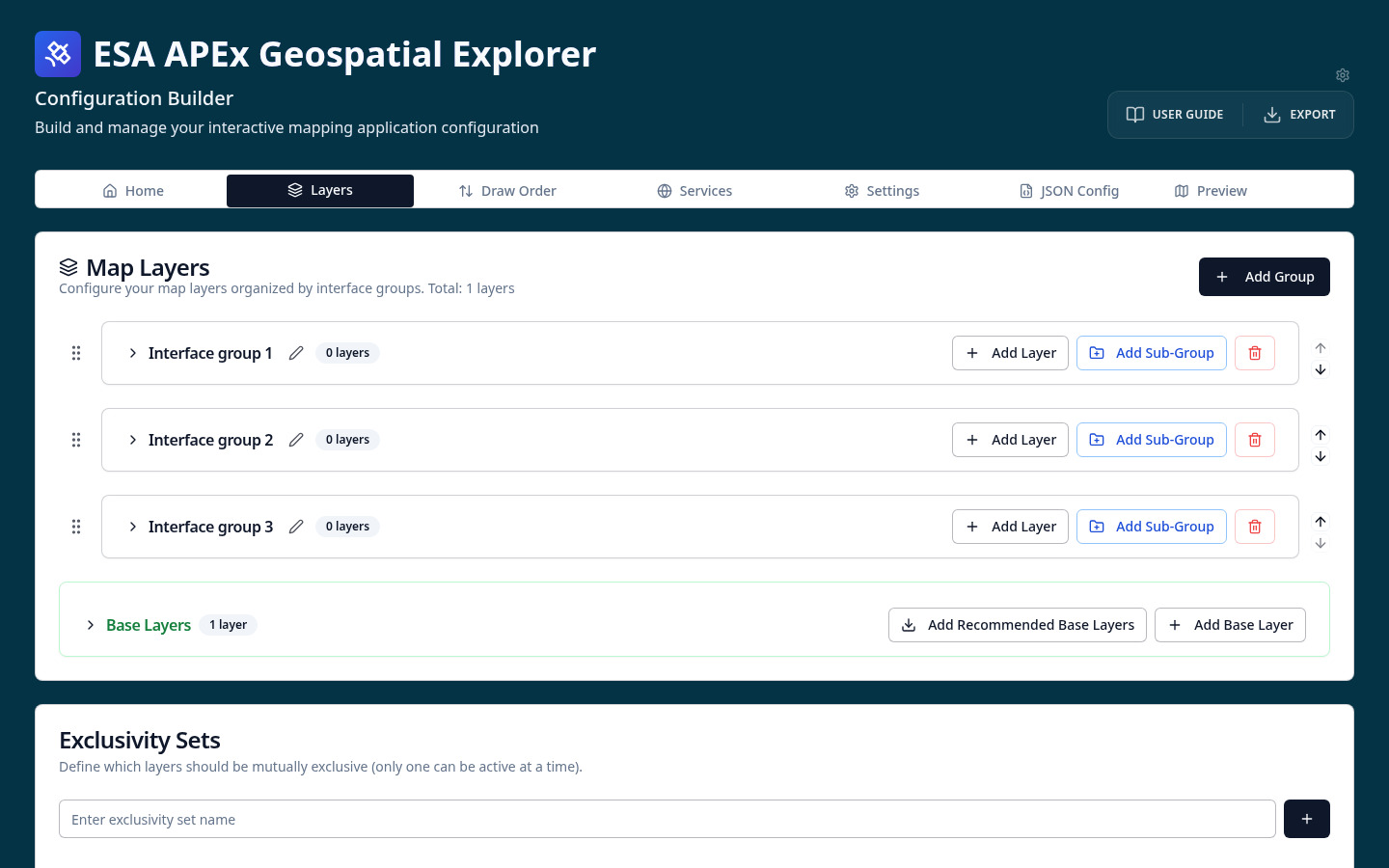
On the Layers tab, scroll down to the Base Layers section and select Add Recommended Base Layers.
-
Look at the base map cards that appear — attribution and layer metadata are populated automatically.
-
Go to the GE Preview tab. You will now see a base map switcher in the Explorer.
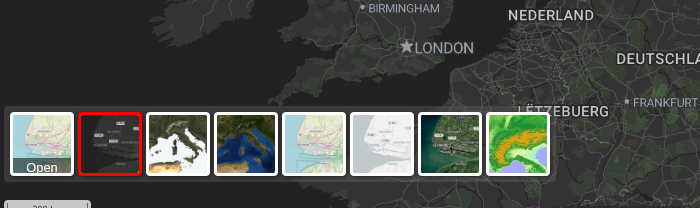
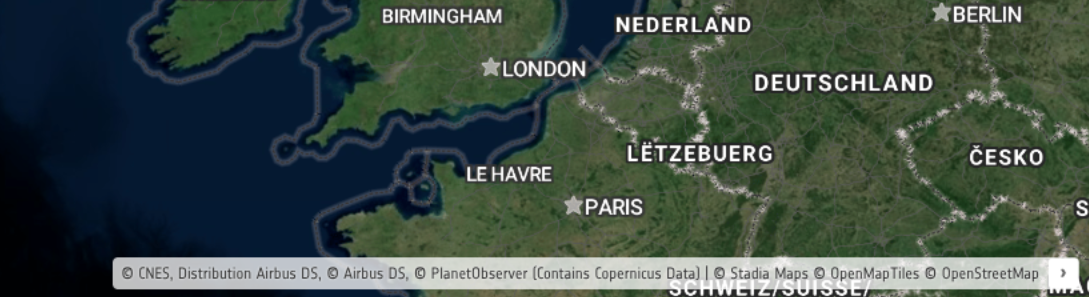
Note that the attribution statement at the foot of the map updates as you switch base maps, so the correct credits are always shown.
-
OPTIONAL: Return to the Layers tab and expand one of the base map cards in the Base Layers section. Drill into the card to see how each base map is defined — its service URL, thumbnail, and the attribution text that the Explorer displays.
Where do the recommended base maps come from?
The recommended base maps are loaded at runtime from the ESA-APEx configs manifest. New base maps added to the manifest become available in the CB without a redeploy. See Base layers for details.